

How to Optimize UX/UI for SEO: 11 Steps, 7 Design Pillars & SEO Metrics
UX and SEO work best together. SEO helps users discover your website, while UX/UI helps them understand your content, navigate important pages and complete the action they came for.
A website can target the right keywords and still underperform if visitors cannot quickly understand the content, navigate the site, interact with important elements or complete the action they intended to take.
UX, or user experience, focuses on how easily people can use a website and accomplish their goals. UI, or user interface, covers the visual and interactive elements involved in that experience, including buttons, menus, typography, spacing, colors, forms and layouts.
SEO brings the right visitor to the page → UX helps the visitor find the answer → UI helps the visitor take the next action.
UX/UI and SEO: Quick Facts
| UX/UI Factor | Why It Matters for SEO |
|---|---|
| Core Web Vitals | Used by Google ranking systems as part of page experience evaluation. |
| Page Speed | Affects loading experience, usability and conversion. |
| Mobile UX | Important for users and Google’s mobile-first indexing environment. |
| Navigation | Helps users and crawlers discover important pages. |
| Internal Links | Help users navigate related content and help Google understand page relationships. |
| Accessibility | Improves usability and often overlaps with good semantic web practices. |
| Conversion UX | Helps turn organic traffic into leads, calls, bookings and sales. |
How to Optimize UX/UI for SEO in 11 Steps
1. Match the Page Experience With Search Intent
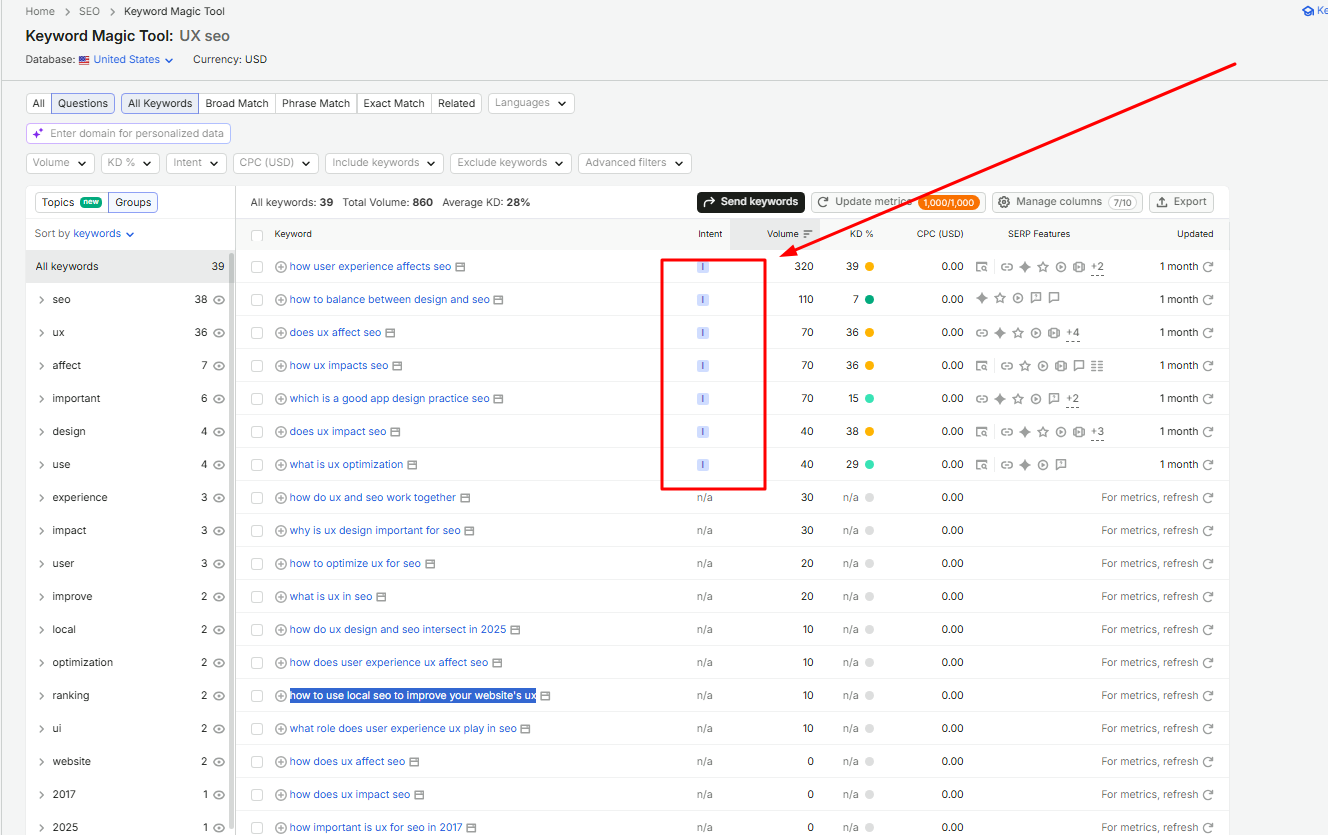
Start by identifying what the visitor actually wants to accomplish. Understanding informational intent keywords and transactional intent helps you choose the right page format. Someone searching for an emergency service needs a different page experience from someone researching prices or comparing options.
| Search Intent | UX Priority | Recommended Elements |
|---|---|---|
| Informational | Answer quickly | Quick answer, table of contents, headings, tables and FAQs |
| Commercial | Help comparison | Benefits, comparison tables, reviews and case studies |
| Transactional | Complete action | Pricing, service information, CTA and forms |
| Local | Contact or visit | Phone, hours, service area, directions and reviews |
Visitor searched: ______
Main problem: ______
Primary information required: ______
Primary CTA: ______
2. Simplify Website Architecture and Navigation
Navigation should make important pages easy to discover for both users and search engines. Avoid forcing visitors through unnecessary menu layers or hiding critical pages behind complex JavaScript interactions.
Home → Service Category → Main Service → Location Page → Supporting Content
3. Optimize the Above-the-Fold Experience
The first screen should quickly communicate what the page is about, who it is for and what the visitor should do next.
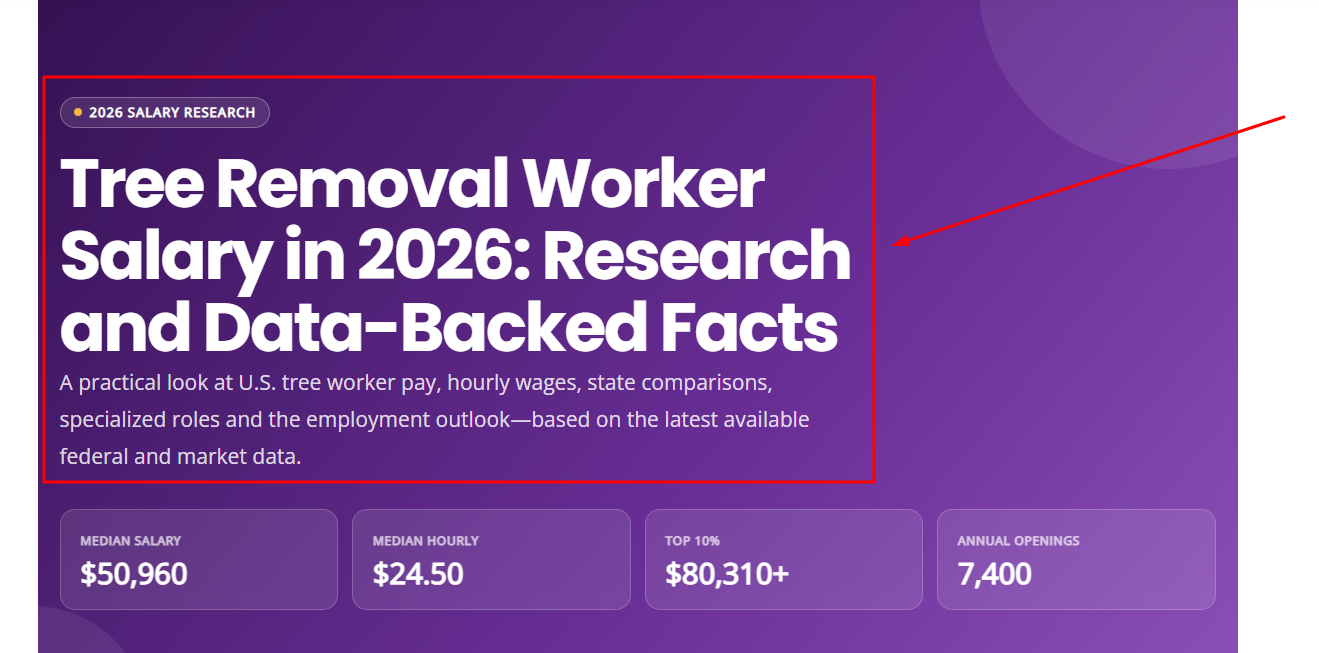
Place high-value elements near the top of the page, including:
- Clear page topic
- Strong H1
- Short supporting description
- Primary value proposition
- Relevant CTA
Avoid filling the first screen with oversized decorative images, sliders, autoplay videos or intrusive popups.
4. Design Content for Scanning
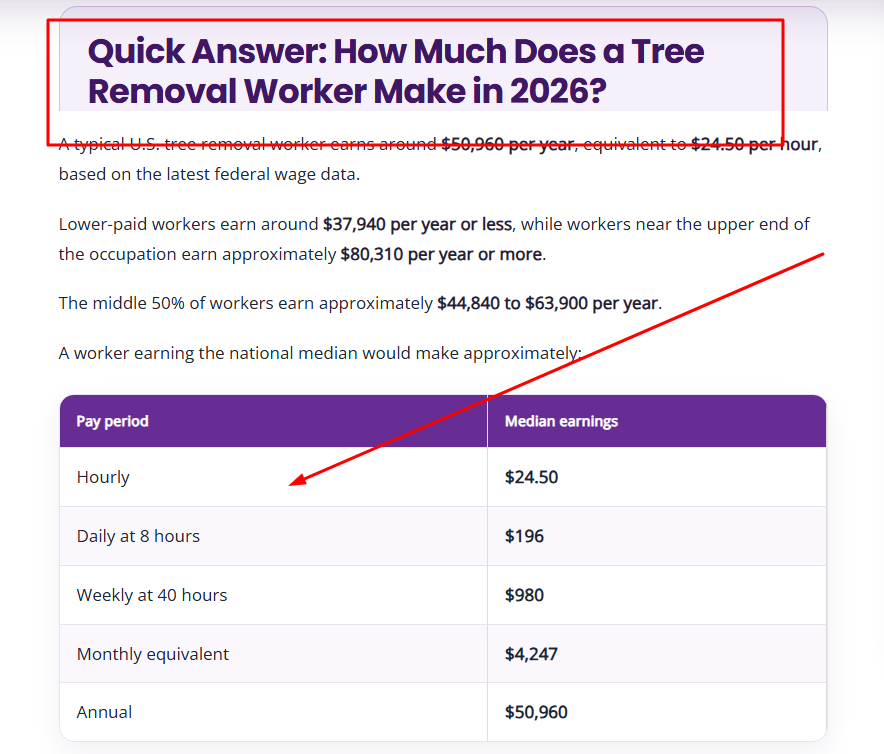
Users often scan web content rather than reading every sentence. A high-quality content structure uses descriptive headings so visitors can quickly locate the section that answers their question.
Poor Heading
Things You Should Consider Before Making Your Decision
Better Heading
7 Factors to Consider Before Hiring an SEO Agency
Use:
- Descriptive H2 and H3 headings
- Short paragraphs
- Bullet lists
- Comparison tables
- Examples
- Images
- Quick-answer sections
- FAQs
5. Prioritize Mobile UX
Mobile visitors often have different needs than desktop visitors. They may be comparing businesses, looking for directions, calling immediately or browsing with one hand.
- Make text readable without zooming.
- Use comfortably tappable buttons.
- Make phone numbers clickable.
- Keep navigation simple.
- Make tables responsive.
- Avoid popups that cover the entire viewport.
- Keep important content available on mobile.
6. Improve Core Web Vitals
Improve LCP
- Compress hero images and follow practical responsive image guidelines for WordPress.
- Use appropriately sized images.
- Improve server response time.
- Reduce render-blocking resources.
- Optimize font loading.
Improve INP
- Reduce heavy JavaScript.
- Limit unnecessary third-party scripts.
- Reduce long-running tasks.
- Simplify complex interactions.
Improve CLS
- Reserve space for images.
- Set dimensions for embeds.
- Prevent banners from unexpectedly pushing content.
7. Make Internal Links Useful
Internal links should help users discover the next relevant resource while also helping search engines understand the relationship between pages.
Weak Anchor
Click here to learn more.
Descriptive Anchor
Read our Local SEO Audit Guide.
Do not insert unrelated internal links purely to increase link count. Ask which page would genuinely help the visitor next.
8. Improve Website Accessibility
Web accessibility improves the experience for users with different visual, motor, auditory and cognitive requirements.
- Use sufficient text contrast.
- Add meaningful image alt text.
- Use visible labels for form fields.
- Use descriptive button text.
- Support keyboard navigation.
- Use logical heading hierarchy.
- Use semantic HTML where appropriate.
9. Reduce Form and Conversion Friction
Organic traffic has limited business value if visitors cannot successfully submit a form, make a booking, request a quote or complete a purchase.
High-Friction Form
- First name
- Last name
- Company
- Position
- Address
- City
- ZIP
- Phone
Simpler Lead Form
- Name
- Email or phone
- Service required
- Message
10. Remove Intrusive UI Elements
Be careful with:
- Full-screen popups
- Autoplay videos
- Chat windows covering content
- Sticky ads
- Immediate notification requests
- Multiple floating CTAs
11. Measure, Test and Improve
UX optimization should be based on user behavior and measurable outcomes rather than design opinion alone.
Instead of asking:
Ask:
7 Pillars of UX/UI Design + Examples and Templates
User Intent
The page should solve the visitor’s primary problem quickly.
Information Architecture
Information should be logically grouped into categories, services and supporting resources.
Visual Hierarchy
Headings, text size, spacing and placement should communicate importance.
Consistency
Navigation, buttons and interface elements should behave predictably.
Performance
Design should remain fast and responsive across devices.
Accessibility
Users with different abilities should be able to navigate and understand the website.
Feedback & Conversion Clarity
Users should always know what happened after clicking, submitting or completing an action.
UX/UI SEO Scorecard Template
| Pillar | Score | Audit Question |
|---|---|---|
| User Intent | /5 | Does the page immediately solve the searcher’s problem? |
| Architecture | /5 | Can users easily discover related information? |
| Hierarchy | /5 | Can someone understand the page while scanning it? |
| Consistency | /5 | Do interface elements behave predictably? |
| Performance | /5 | Does the page load and respond quickly? |
| Accessibility | /5 | Can different users understand and navigate the page? |
| Conversion | /5 | Is the next action obvious and easy? |
| Total | /35 | Use this as an internal UX audit score, not a Google ranking score. |
How User Experience Affects SEO
UX and SEO influence each other directly, indirectly and commercially. However, not every UX metric should be described as a Google ranking factor.
| UX Factor | SEO Relationship |
|---|---|
| Core Web Vitals | Used by Google’s ranking systems. |
| Crawlable Navigation | Helps search engines discover pages. |
| Internal Links | Help users and Google understand page relationships. |
| Content Organization | Helps visitors consume information efficiently. |
| Accessibility | Primarily improves usability and often overlaps with semantic SEO practices. |
| Bounce Rate | Useful UX metric, but not a confirmed direct Google ranking factor. |
| Conversion Rate | Important business KPI, not a confirmed direct ranking factor. |
| Scroll Depth | Useful diagnostic metric for content performance. |
UX Metrics to Track for SEO
| Metric | Recommended Tool | What It Measures |
|---|---|---|
| LCP | PageSpeed Insights / Search Console | Loading experience |
| INP | PageSpeed Insights / Search Console | Interaction responsiveness |
| CLS | PageSpeed Insights / Search Console | Visual stability |
| Organic Clicks | Google Search Console | Search traffic |
| CTR | Google Search Console | SERP click performance |
| Engagement Rate | GA4 | User interaction with landing pages |
| Conversions | GA4 / GTM | Leads, sales and other business outcomes |
| Scroll Depth | GA4 / GTM | How far visitors consume content |
| CTA Clicks | GA4 / GTM | Conversion interaction |
| Accessibility Issues | WAVE / Accessibility Audits | Inclusive-design problems |
UX/UI SEO Audit Checklist
Download the Free UX/UI SEO Audit Template
Use the printable scorecard to review search intent, content, navigation, mobile UX, accessibility, Core Web Vitals, conversions and tracking.
Free printable UX/UI SEO audit workbook by OptimizeKro.
- Page clearly satisfies the target search intent.
- Primary answer appears quickly.
- There is one clear H1.
- H2 and H3 headings are descriptive.
- Paragraphs are easy to scan.
- Relevant internal links are included.
- Mobile navigation works correctly.
- LCP, INP and CLS are monitored.
- Images are optimized.
- Text contrast is sufficient.
- Images include meaningful alt text.
- Forms contain labels.
- The primary CTA is clear.
- Forms do not request unnecessary information.
- GA4 and Search Console tracking are configured.
FAQs About UX/UI and SEO
How to Balance Between Design and SEO?
Design around user intent while keeping important content crawlable, accessible and clearly structured. SEO should influence information architecture before the final UI is developed, rather than being added after the website is finished.
How Do UX and SEO Work Together?
SEO helps users discover a website, while UX helps them efficiently accomplish what they came to do. The two overlap through page performance, navigation, internal links, mobile usability, content structure and accessibility.
How to Use Local SEO to Improve Your Website’s UX?
Local and multi-location pages should make services, service areas, opening hours, phone numbers, directions, reviews, local images and appointment options easy to find. A local visitor should understand what you do, whether you serve their location and how to contact you within seconds.
Is UX a Google Ranking Factor?
UX is too broad to describe as one individual ranking factor. Google explains that its systems evaluate multiple aspects of page experience. Core Web Vitals are used in Google’s ranking systems, while many other UX improvements primarily support usability, accessibility and conversion.
Does Bounce Rate Affect SEO Rankings?
Bounce rate is useful for diagnosing visitor behavior, but it should not be treated as a confirmed direct Google ranking factor. A visitor can quickly find a phone number, make a call and leave, resulting in a successful visit that still looks like limited on-site engagement.
Does Website Design Affect SEO?
Yes, when design decisions influence performance, crawlability, mobile usability, internal linking, content visibility, navigation or accessibility.
Final Takeaway
UX/UI and SEO should not be treated as separate website optimization processes.
SEO identifies what users are searching for. UX determines how easily they can accomplish their goal. UI communicates what they should do next.
The most effective UX/UI SEO strategy is not about making a page visually attractive for the sake of design. It is about removing friction between the search, the answer and the action.
UX + SEO = Better Search Experience
Build pages for search visibility, but design every interaction around helping the visitor find information and take action with less effort.

Gulfam Qamar is a seasoned Local SEO expert with a proven track record of helping businesses boost their online visibility and dominate local search results. With deep expertise in Google Business Profiles, on-page optimization, and local citation strategies, Gulfam helps brands connect with nearby customers and grow sustainably. When he’s not optimizing websites, he’s sharing actionable SEO tips and insights to empower small businesses in the digital space.